**NVIDIA Vulkan Ray Tracing Tutorial**
**Intersection Shader**
Author: [Martin-Karl Lefrançois](https://devblogs.nvidia.com/author/mlefrancois/)
# Introduction
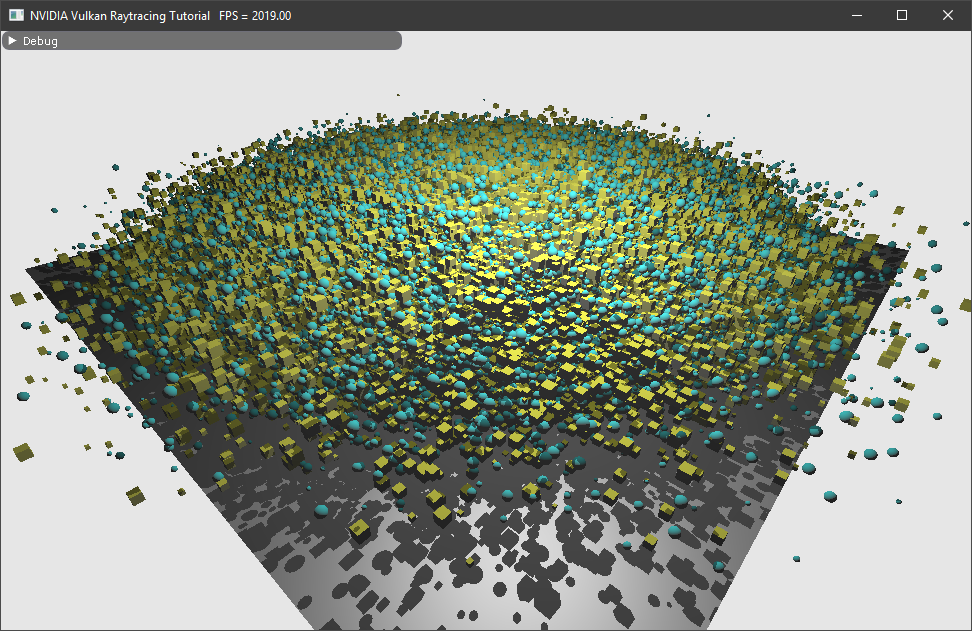
This tutorial chapter shows how to use intersection shader and render different primitives with different materials.
This is an extension of the Vulkan ray tracing [tutorial](vkrt_tutorial.md.htm).
(insert setup.md.html here)
## High Level Implementation
On a high level view, we will
* Add 2.000.000 axis aligned bounding boxes in a BLAS
* 2 materials will be added
* Every second intersected object will be a sphere or a cube and will use one of the two material.
To do this, we will need to:
* Add an intersection shader (.rint)
* Add a new closest hit shader (.chit)
* Create `VkAccelerationStructureGeometryKHR` from `VkAccelerationStructureGeometryAabbsDataKHR`
## Creating all spheres
In the HelloVulkan class, we will add the structures we will need. First the structure that defines a sphere.
~~~~ C++
struct Sphere
{
nvmath::vec3f center;
float radius;
};
~~~~
Then we need the Aabb structure holding all the spheres, but also used for the creation of the BLAS (`VK_GEOMETRY_TYPE_AABBS_KHR`).
~~~~ C++
struct Aabb
{
nvmath::vec3f minimum;
nvmath::vec3f maximum;
};
~~~~
All the information will need to be hold in buffers, which will be available to the shaders.